Features
Part of Digital wallet guide: credentials, tokens, devices, accounts, and acceptance
Replacing a phone without losing payment access case
Phone replacement case showing how to inventory wallet cards, preserve records, transfer passes, reprovision tokens, test payments, and retire a device.
What to take away
- A phone backup does not guarantee that payment credentials will transfer ready to use.
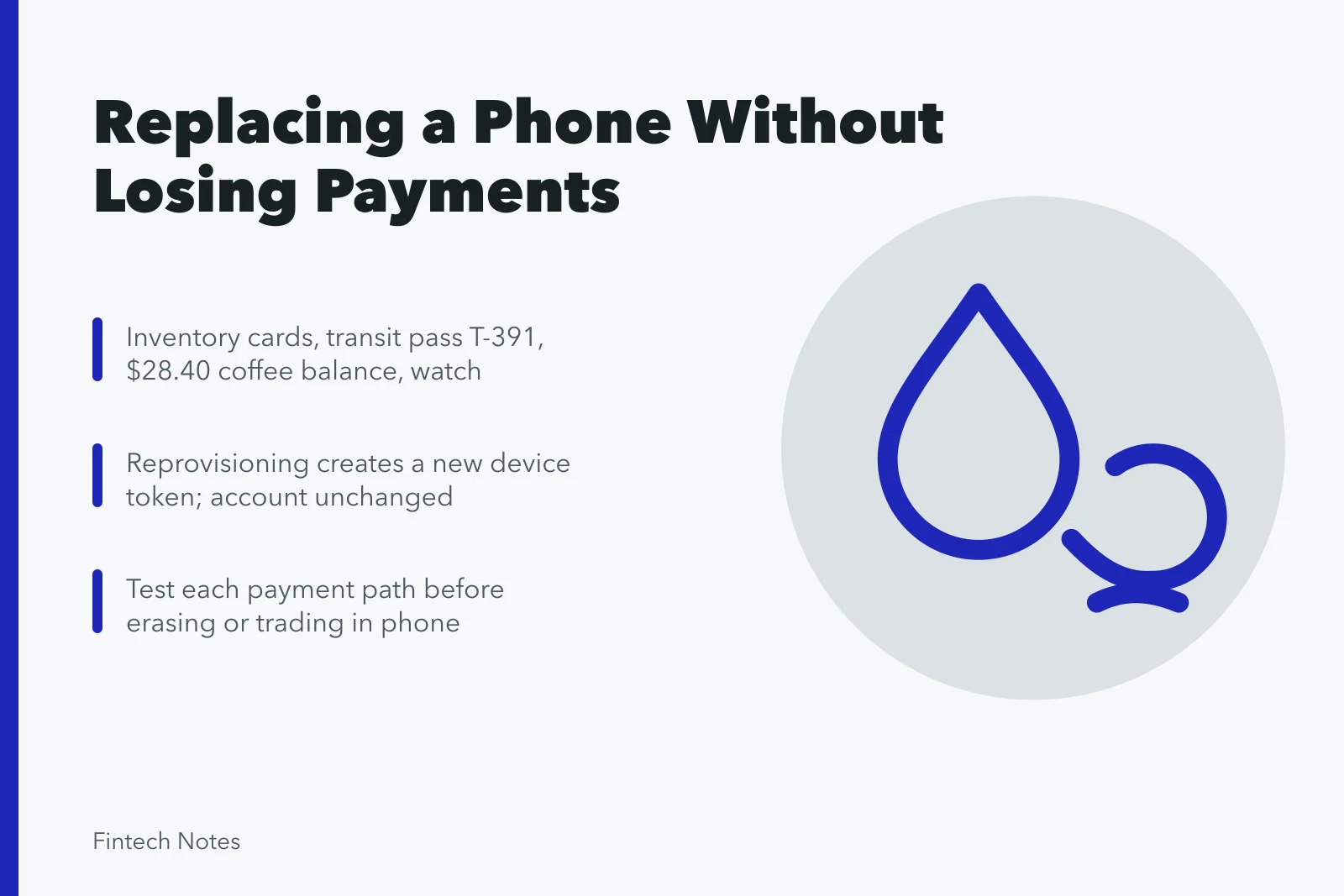
- Inventory cards, passes, stored balances, wearables, recovery methods, and subscriptions before migration.
- Reprovisioning a card can create a new device token while the underlying account remains unchanged.
- Test each payment path before erasing or trading in the old phone.
- Retire the old device from wallet, cloud, carrier, and trusted-device records.
This fictional case follows Maya as she replaces a working phone. Names, dates, identifiers, and amounts are invented. The case uses a platform-neutral migration method, with one narrow product example to show why current provider instructions matter.
Starting position
Maya's old phone contains:
- two payment cards in a device wallet;
- a transit pass;
- a coffee-shop stored balance;
- a paired watch with one payment card;
- a person-to-person payment app;
- issuer and merchant apps;
- a cloud account used for backup and device recovery.
Her new phone will use the same number and cloud account. She plans to trade in the old device on Friday.
Step 1: strengthen recovery before migration
Maya updates both phones, checks the old phone's lock code, and reviews her cloud account's trusted devices. She confirms that her recovery email and second factor work from another trusted computer.
The FTC's phone-protection guidance recommends locking the phone, updating software, backing up data, and enabling tools for finding a lost device. Maya uses those controls as a baseline. She does not assume the backup includes active card credentials.
She saves verified contact details for her carrier, wallet provider, two issuers, transit authority, and stored-value merchant outside the phone.
Step 2: create the pre-migration inventory
Maya records only safe identifiers:
Pre-Migration Inventory
- Credit card ending 1127active phone and watch
- Debit card ending 8044active in phone
- Transit pass T-391device wallet
- Coffee balance$28.40, merchant login
- Payment appzero balance, provider login
- Cloud accountrecovery email and security key
Pre-migration inventory
| Item | Old-device state | Recovery route |
|---|---|---|
| Credit card ending 1127 | Active in phone and watch | Issuer verification |
| Debit card ending 8044 | Active in phone | Bank verification |
| Transit pass T-391 | Device wallet | Transit account |
| Coffee balance | $28.40 | Merchant login |
| Payment app | Zero balance | Provider login |
| Cloud account | Active | Recovery email and security key |
She exports recent receipts and the coffee balance. She checks that no pending refund depends solely on an in-app message.
Step 3: separate device items from account items
The credit card account exists at the issuer. The old phone contains a device credential linked to it. The watch has a separate wallet instance. The coffee balance belongs to the merchant account. The transit pass may have device-transfer restrictions.
This map prevents a common mistake: treating one phone backup as the owner of every item.
Maya also lists subscriptions using the two cards. Those subscriptions are merchant-stored arrangements and should continue even if a device token changes.
Step 4: back up ordinary data
Maya creates an encrypted backup through the official platform process and confirms its timestamp. She saves photos, contacts, authentication-app recovery, and documents according to each provider's instructions.
She does not photograph card security codes or store financial passwords in an ordinary note. She confirms that her authenticator and password manager have independent recovery methods.
Step 5: activate the new phone
After verifying the box and device, Maya activates the new phone through her carrier account. She signs in to the cloud account from the expected setup screen and installs system updates before restoring financial apps.
She checks:
Activate the new phone
- correct phone number and carrier account;
- device encryption and lock code;
- biometric enrollment;
- remote find, lock, and erase controls;
- trusted devices and account alerts;
- app publisher for each financial app.
The old phone remains powered on, locked, and connected to a trusted network. It is not erased yet.
Step 6: restore the wallet one item at a time
The wallet interface shows the two cards as available to add, but neither is ready for payment until verification completes. Maya starts with the credit card.
Wallet Credential Suffix Change
Old phone
- Physical card suffix
- 1127
- Wallet credential suffix
- 6091
- Device status
- Active pending retirement
New phone
- Physical card suffix
- 1127
- Wallet credential suffix
- 8440
- Device status
- Active
The issuer verifies the new device and the wallet displays a new credential suffix. The underlying card still ends in 1127. Maya records:
Restore the wallet
Old phone
- Physical card suffix
- 1127
- Wallet credential suffix
- 6091
- Device status
- Active pending retirement
New phone
- Physical card suffix
- 1127
- Wallet credential suffix
- 8440
- Device status
- Active
The changed suffix is expected after new token provisioning. It does not mean a new credit account was opened.
She repeats the process for the debit card. The bank requests a separate authenticated verification. Maya ignores an unsolicited text asking her to read back a code and contacts the bank through its app instead.
Step 7: transfer passes under provider rules
The transit pass does not appear automatically. Maya checks its provider instructions and confirms it must be removed from the old device before addition to the new one.
Product behavior varies. For example, Google's current Wallet card and pass transfer instructions say that certain items must be removed from the old device and added to the new one, while a factory reset deletes wallet data from the device. Maya uses the instructions for her actual platform and pass provider, not this example as a universal rule.
She records the pass number and remaining value, removes it through the supported flow, adds it to the new phone, and verifies the same balance.
Step 8: recover stored value separately
The coffee app restores after Maya signs in. Its $28.40 balance belongs to the merchant account, not the phone backup. She checks that the balance, rewards, and recent purchases match the exported record.
The person-to-person app also requires new-device verification. Maya confirms its funding sources and leaves no unnecessary stored balance.
Step 9: test before erasing
Maya makes controlled tests:
Controlled Payment Tests
- Small contactless credit-card purchase
- Small debit-card purchase through wallet
- Transit-gate validation
- Coffee balance inquiry without spending
- Payment app sign-in and notification test
Test before erasing
- A small contactless credit-card purchase.
- A small debit-card purchase through the wallet.
- A transit-gate validation.
- A coffee balance inquiry without unnecessary spending.
- A sign-in and notification test for the payment app.
For the card purchases, she matches the wallet notice, merchant receipt, and issuer pending record. She checks the new token suffix and confirms no duplicate attempt appeared.
She also checks the watch. Its credit-card credential still works because it was not reset with the phone. She decides whether to keep or reprovision it based on the platform instructions.
Step 10: retire the old phone
Only after every required path works does Maya retire the old device.
Retire the old phone
- She removes remaining wallet credentials and passes.
- She signs out of financial and cloud accounts.
- She unpairs accessories as instructed.
- She removes downloaded files and local authentication access.
- She performs the official factory reset.
- She removes the phone from trusted-device lists.
- She confirms the carrier account points to the new device.
- She records the trade-in receipt and serial number.
She does not hand an unlocked phone to the trade-in clerk or rely on deleting app icons.
The alternate branch: the old phone is already lost
If the old phone were missing, Maya would not wait for migration convenience. She would mark it lost, contact issuers and wallet provider, secure the carrier and cloud accounts, review activity, and suspend device credentials.
Pass transfer might require provider support. A physical card replacement might be necessary if the issuer believed the account credential was compromised. The priority would be containment, not preserving the easiest transfer path.
Final reconciliation
Maya closes the case with this table:
Final Reconciliation
New-device result
- Credit card
- New token tested
- Debit card
- New token tested
- Transit pass
- Balance confirmed
- Coffee wallet
- $28.40 confirmed
- Payment app
- Access restored
- Cloud account
- New phone trusted
Old-device result
- Credit card
- Token removed
- Debit card
- Token removed
- Transit pass
- Removed
- Coffee wallet
- Signed out
- Payment app
- Session revoked
- Cloud account
- Old phone removed
| Item | New-device result | Old-device result | Evidence |
|---|---|---|---|
| Credit card | New token tested | Token removed | Receipt and issuer record |
| Debit card | New token tested | Token removed | Receipt and bank record |
| Transit pass | Balance confirmed | Removed | Pass account |
| Coffee wallet | $28.40 confirmed | Signed out | Export and app record |
| Payment app | Access restored | Session revoked | Device list |
| Cloud account | New phone trusted | Old phone removed | Security page |
Lessons from the case
The phone was a container for several relationships, not a single wallet. Backup restored ordinary data, issuer verification created new payment credentials, provider rules moved the transit pass, and the merchant account preserved stored value.
Waiting to erase the old phone created a safe verification window. Removing it from every trust list completed the migration.
Common questions
Will a phone backup restore my cards ready to pay?
Do not assume it will. Cards may appear as candidates but still require new provisioning and issuer verification.
Why did the wallet card suffix change?
The new phone may receive a new device payment token while the underlying card account remains the same.
Should I erase the old phone as soon as the new one turns on?
No. Verify required cards, passes, balances, recovery tools, and records first, unless the old device is lost or compromised.
Does changing phones cancel card subscriptions?
Usually not by itself. Subscriptions are merchant agreements and may use stored credentials outside the device wallet.